Cloud and EUC
Citrix modernisation: preserve application behaviour, then simplify
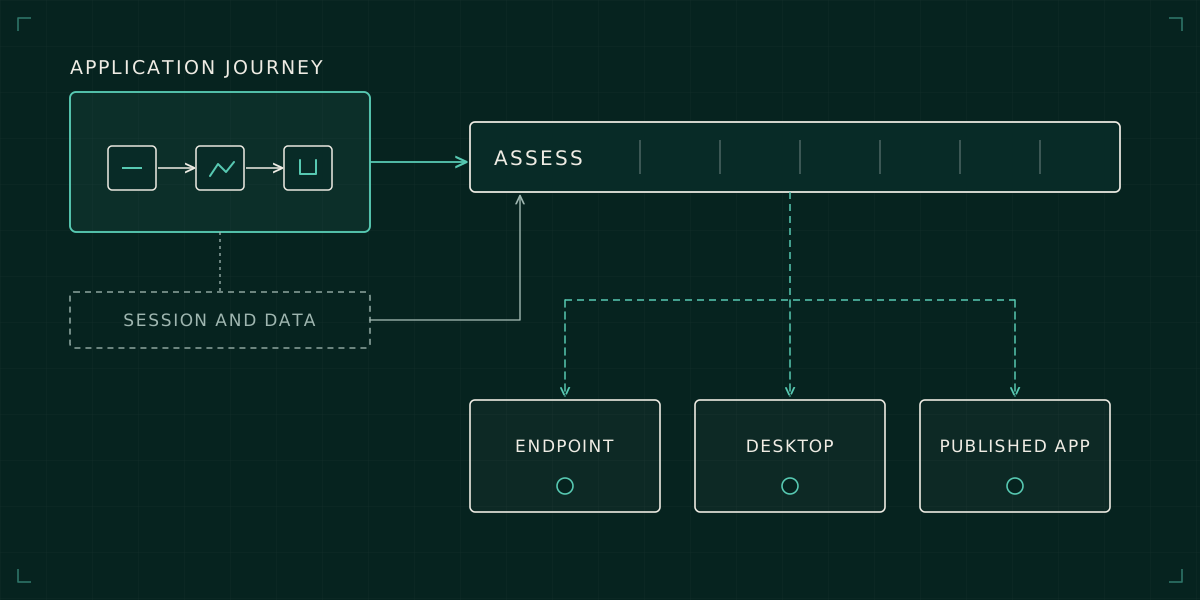
The valuable thing a legacy Citrix platform delivers is a working application journey. A modernisation design needs to preserve that journey before removing complexity.
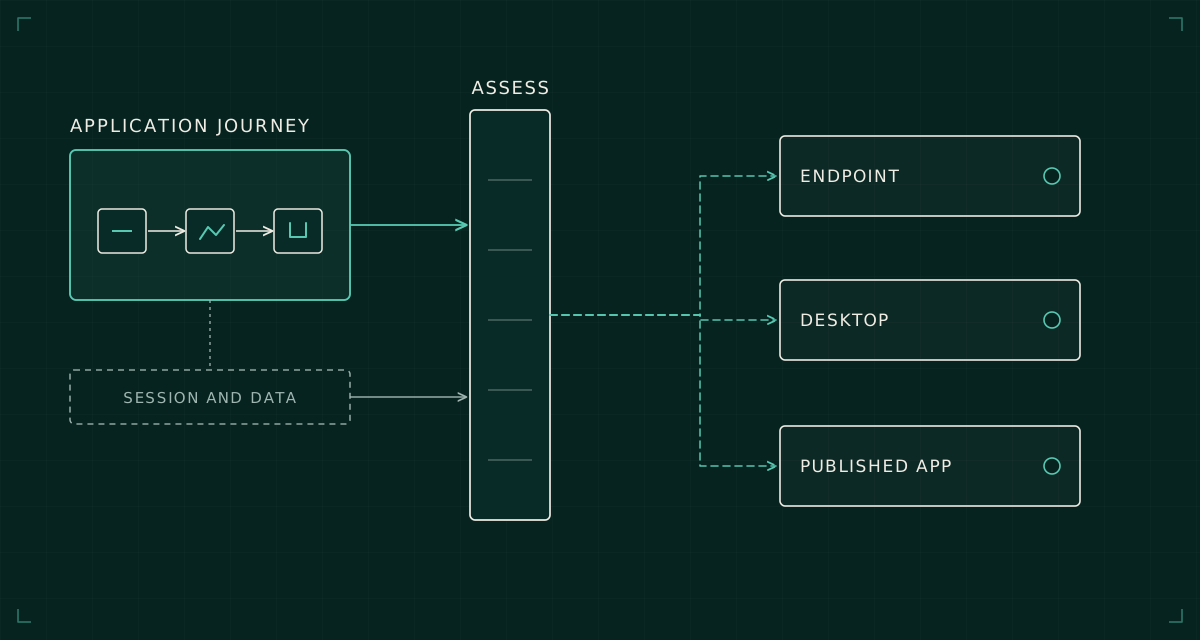
A published application is rarely just an executable. Its useful behaviour can depend on the session host, profile, drive mappings, printing route, authentication context and proximity to a backend. Years of adjustments may have made that combination dependable without leaving a clear account of why it works.
Modernisation begins by making that behaviour explicit. Otherwise the project compares platform features while overlooking the conditions the business application actually requires.
I would separate two decisions: where each workload should run, and which parts of the existing operating model are worth carrying forward. Those decisions are related, but they should not be collapsed into a general instruction to replace Citrix.
Observe a complete business transaction
Take a representative application and follow a meaningful task from launch to completion. For a hypothetical finance application, that might mean signing in, opening a period, generating an output, saving it to a controlled share and printing it through the approved route.
Record the dependencies encountered along the way. An application that launches successfully on a new desktop may still fail when it exports a document, invokes an add-in or resolves a legacy file path. The acceptance case needs to include those activities before somebody declares the workload compatible.
Gather evidence from configuration and observed use. Compare application publishing settings, launch parameters, session policies, profile locations and backend connections. Ask the application owner which outcomes matter and which workarounds users depend on. A workaround may be undesirable, but removing it without replacing its function still changes the service.
Keep unusual user groups visible. Month-end users, remote contractors and people using specialist peripherals can carry requirements that an average-session report hides. Low frequency does not necessarily mean low business importance.
Separate required behaviour from inherited configuration
An old policy can be essential, obsolete or compensating for a defect elsewhere. Exporting the policy set does not tell you which category it belongs to.
For each consequential setting, write down the behaviour it supports. A drive mapping may support a hard-coded export path. A printer setting may avoid a particular driver failure. A session timeout may reflect an information-security requirement, or merely a historical default nobody reconsidered.
The target should implement the required behaviour using a supported design. It does not need to reproduce every old setting literally. Equally, the engineer should not discard a setting simply because the new platform has a different default.
A useful design record links requirement, current implementation, target implementation and acceptance evidence. Where the requirement is unknown, leave an explicit investigation item. Guessing introduces risk; copying everything transfers complexity without understanding it.
Choose a home for each workload
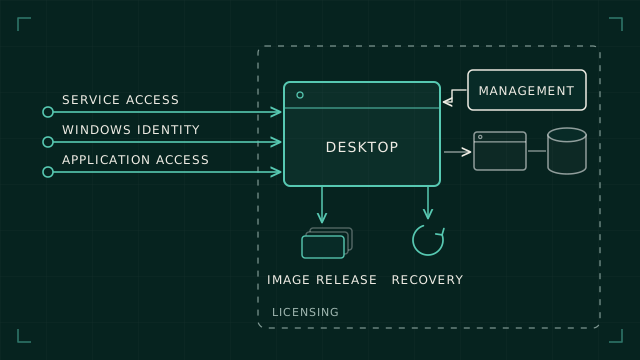
Some applications may be suitable for a managed endpoint. Others may need a persistent desktop, a shared session host or continued application publishing. Some can be retired or replaced, but that is an application decision involving business ownership, not an automatic consequence of a desktop project.
Compare candidate platforms against the actual workload: multi-user compatibility, authentication, network proximity, peripherals, profile behaviour, licensing and support. A feature checklist is useful only once those requirements are known.
Moving an application closer to users may move it further from its data. A desktop design can appear responsive while a chatty application spends its time waiting on a remote database. Test a representative transaction across the proposed network path rather than extrapolate from a login demonstration.
The same applies to Windows 11 WorkSpaces. It is a possible service design for eligible workloads, not a universal answer to every application historically delivered through Citrix. Make the choice workload by workload.
Model failure behaviour separately
Normal operation and degraded operation need different acceptance cases. What happens to existing sessions when a dependency fails? Can new sessions start? Can users reconnect? Which operations require the control plane to be available?
Citrix Local Host Cache documentation describes continued brokering during certain database connectivity failures, with workload-specific limitations. That capability should not be summarised as “Citrix works offline”. Nor should a replacement be judged equivalent without comparing the failure conditions and permitted behaviour.
Use the documentation for the actual installed release and target service. Similar feature names across versions do not establish identical constraints. Test the supported failure scenario in a controlled environment and record what users and operators should expect.
This may lead to a deliberate change in service expectations. That is acceptable when it is understood, approved and supported. It is much harder to defend when the change is discovered during the first outage.
Make coexistence finite and explicit
During transition, users may have access to both platforms. Decide where each workload is authoritative and how profile or document state behaves when users switch. Two working desktops can still create an inconsistent experience if the same application's settings are maintained in different places.
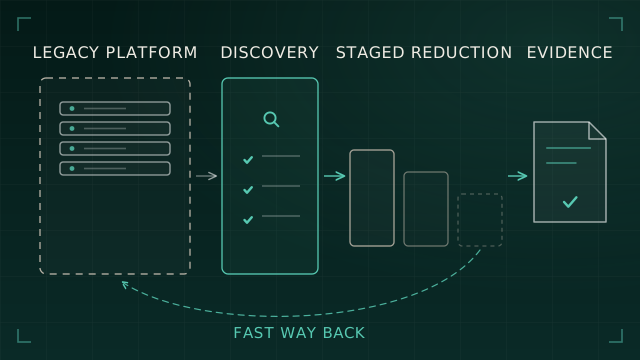
Define rollback at the workload level. Restoring access to an old launch icon is insufficient if data has moved, permissions have changed or the application's state cannot safely return. Record what has to be reversed and what cannot be reversed automatically.
A pilot should exercise both the target journey and the recovery journey. Include the support team, because they will need to diagnose whether a fault belongs to delivery, authentication, profile, application or backend connectivity.
The existing article on legacy EUC decommissioning covers proving that the old platform can be retired. The earlier engineering task is proving that its useful behaviour has a supported home.
Simplify with evidence
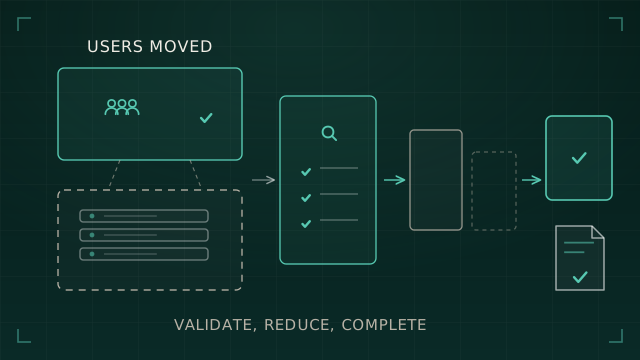
Once the target journeys are accepted, remove inherited mechanisms that no longer serve a requirement. Consolidate policy ownership, eliminate duplicated management and document the new failure boundaries. Each simplification should have a reason and a verification case.
The result should be easier for another engineer to explain and operate. A newer control plane attached to the same unexplained application assumptions has moved the complexity, not reduced it. A successful Citrix modernisation makes those assumptions visible, preserves the business function and then removes the machinery that no longer earns its place.